Choose SVG Layers
Choose SVG Layers for a Cleaner Cut Project
Learn how to inspect SVG layers, simplify colors, plan cut order, and choose a practical version of a layered Crafcut design before making your project.
Explore Crafcut designsRead the artwork as separate material decisions
Layered artwork can look simple on screen while containing several overlapping shapes. Inspect the color groups, decide which details are essential, and remove decorative parts that will be difficult to handle at the intended project scale.
Treat every retained color as a separate material and alignment decision. A deliberate layer plan reduces unnecessary cuts and makes the final design easier to assemble cleanly.
Crafcut designs for choose svg layers
This reviewed selection uses current public Crafcut inventory with stable previews and direct links to each design.
USA 250th Anniversary Scrapbook Craft Design
A single centered, text-free paper-crafting asset designed for scrapbook pages, family albums, greeting cards, and memory boxes. The stamp-inspired frame suggests preserving shared history while leaving open space for the buyer’s own handwritten memories or photographs.
Explore this design →Lipstick Junkie Pink Lips SVG Cut File for Shirts, Stickers & More
The image shows a large, stylized mouth in the shape of lips. The lips are colored in a bright, vibrant pink, giving a bold and lively feeling to the picture. The design is simple yet eye-catching, making it stand out. Inside the lips, there are two words: "Lipstick Junkie." The text has a mix of bold and cursive styles. The word "Lipstick" is written in a playful, handwritten font, while "Junkie" is in a slightly bolder, more straightforward font. The font color is white, which contrasts well with the pink lips. The text appears to flow with the shape of the lips, giving a sense of movement and playfulness. The background of the image is a soft, light pink color. This gentle tone complement
Explore this design →Bear Paw SVG Cut File for Cricut and Silhouette Crafts
The image showcases a simple yet striking graphic design featuring a bear paw print. The paw print is mainly dark brown, resembling the shape of a bear's paw with five distinct pads. There are three larger oval pads at the top, colored in a muted green, representing the bear's fingertips, and two smaller pads positioned below them. This design gives a clear representation of a bear footprint, symbolizing strength and nature. The background of the image is a soft, light yellow color, creating a warm and inviting atmosphere. The choice of this gentle hue enhances the overall design and makes the dark brown paw print stand out prominently. At the bottom of the image, there is bold text that rea
Explore this design →Adorable Forest Animals SVG Cut Files for Cricut and Silhouette
The image shows four cute cartoon animals sitting together. On the far left, there is a raccoon. It has round, dark eyes, a small black nose, and distinct black markings around its eyes that make it look slightly mischievous. Its fur is mostly gray, with a lighter belly. The raccoon has a bushy tail with alternating black and gray stripes. Next to the raccoon, there is a small deer. This deer looks very friendly. It has big, bright eyes and a small mouth. Its fur is a soft brown color, and it has small antlers on its head, which add a touch of charm. The deer sits upright, looking content and cheerful. On the right side, there is a tall fox. It has bright orange-red fur with a white belly an
Explore this design →Minimalist Jellyfish SVG Design for Cricut and Silhouette Crafts
The image shows a jellyfish floating gracefully in the water. The jellyfish has a smooth, rounded bell-shaped body. It is mostly a soft, pale yellow color that almost looks creamy. This bell is slightly translucent, which means you can see a little bit of light through it. The top of the jellyfish is glossy and shiny, reflecting some light. From the bottom of the jellyfish, many long, slender tentacles hang down. These tentacles are a mix of white and pale yellow, with some parts spiraled or curled, giving them an elegant appearance. They sway gently, as if moving with the water currents. The tentacles swirl and twist, creating light, flowing shapes around the jellyfish. The background of th
Explore this design →Stylish Minimalistic Manta Ray SVG Cut File for Ocean Lovers
The image shows a large, stylized stingray. The stingray is flat and has wide, triangular wings that extend out to the sides. The body of the stingray is a soft, muted blue-green color. Its surface has lots of small dark spots, giving it texture and interest. The stingray's tail is long and thin, curling gracefully behind it. The background of the image is a light, creamy color. This simple backdrop helps the stingray stand out. There are no other shapes or objects in the background, which keeps the focus on the stingray itself. The art style is flat and modern, resembling a minimalistic design. There are no details like shadows or gradients, making the whole image look clean and straightfor
Explore this design →Wolf Howling at Moon SVG Cut File for Cricut and Silhouette
The image features a silhouetted wolf standing on a rock. The wolf is facing upward with its mouth open as if it is howling at the sky. Its fur is shown in sharp detail, with wild, flowing lines representing its texture. The wolf stands tall, emphasizing its strength and presence. In the background, there is a large, glowing full moon that dominates the scene. It is bright and yellowish, casting a warm light that creates a strong contrast with the dark figure of the wolf. Surrounding the moon, you can see some soft, fluffy clouds that give it a dreamy quality. The sky is a deep blue-black, adding to the nighttime atmosphere. Below the wolf, the ground is uneven, made up of a rocky surface wh
Explore this design →Porcupine Silhouette SVG Cut File for Cricut, Shirts, Stickers & More
The image shows a stylized representation of a porcupine. It is a silhouette, which means it is completely black without any other colors or details. The porcupine has a rounded body, short legs, and a slightly pointed snout. From its back, many thin, sharp quills stick out, giving the animal a unique and distinct appearance. These quills are drawn in a way that makes them look like they are standing up, which emphasizes the porcupine’s natural defense mechanism. There are no other animals or people in the image; the focus is solely on the porcupine. The background is plain and white, which makes the black silhouette stand out prominently. This simple background draws attention to the animal
Explore this design →Black Rabbit Silhouette SVGs for Shirts, Stickers, and Tumbler Decals
The image shows a collection of rabbit silhouettes, all in black against a light gray background. There are four distinct shapes of rabbits displayed in different poses. 1. **Rabbit Poses**: - The first rabbit is sitting upright. It has long ears that point up and a rounded body. Its tail is small and round. - The second rabbit is in a similar sitting position but looks slightly smaller. Its ears are also upright, and it has a more rounded appearance. - The third silhouette is a side profile of a rabbit’s head. It has its ears perked up and a sharp little nose, giving it a curious expression. - The fourth rabbit is also sitting but appears larger and has a more elongated body. Its ears are s
Explore this design →Simple and Friendly Seahorse SVG Design for Shirts, Stickers, and Wall Art
The image shows a simple, artistic representation of a seahorse. The seahorse is outlined in a dark color, almost black, which contrasts sharply with the light peach background. The dark seahorse has a playful look. It has a smiling face with one big eye. The shape of the body is curved and elegant, with a round belly and a long, curled tail at the bottom. The design of the seahorse includes spiky fins along its back and small fins on its sides. These details add texture and interest to the image. The overall shape of the seahorse is smooth, making it feel friendly and approachable. The background of the image is a soft peach color. This light, warm tone helps the dark seahorse stand out eve
Explore this design →Elephant Silhouette SVG Cut File for Cricut and Silhouette Machines
The image shows a large silhouette of an elephant standing in a straight position. The elephant is facing forward, and its outline is solid black. It has large, curved ears that stick out on both sides of its head. The trunk of the elephant extends downward, adding to its impressive stature. The back legs are strong and sturdy, giving the impression of power and grace. At the rear, the elephant has a small tail that curls slightly. There is a small silhouette of what appears to be a mouse positioned near the elephant's tail, which creates an interesting connection between the two animals. The mouse is much smaller in comparison, emphasizing the size of the elephant. The background is a soft,
Explore this design →Amore You SVG Design with Bold Text and Red Heart for Crafts
The image contains a cheerful and colorful text design that reads "AMORE YOU." This phrase is prominently displayed and expresses a warm sentiment. ### Description of the Text - **Text Style**: The letters are bold and playful. The word "AMORE" is in uppercase, with the letters colored black. This makes it stand out and gives a strong presence. - **Heart**: In the middle of the words, between "AMORE" and "YOU," there is a small red heart. This heart adds a touch of love and affection to the overall message. - **Word "YOU"**: The word "you" is written in a cursive, flowing style. This creates a contrast with the boldness of "AMORE" and adds a softer touch to the text. ### Background and Setti
Explore this design →Continue with a related Project Guide
Compare the public guide previews, then open the relevant guide when you are ready to review the complete workflow.
 Project Guide
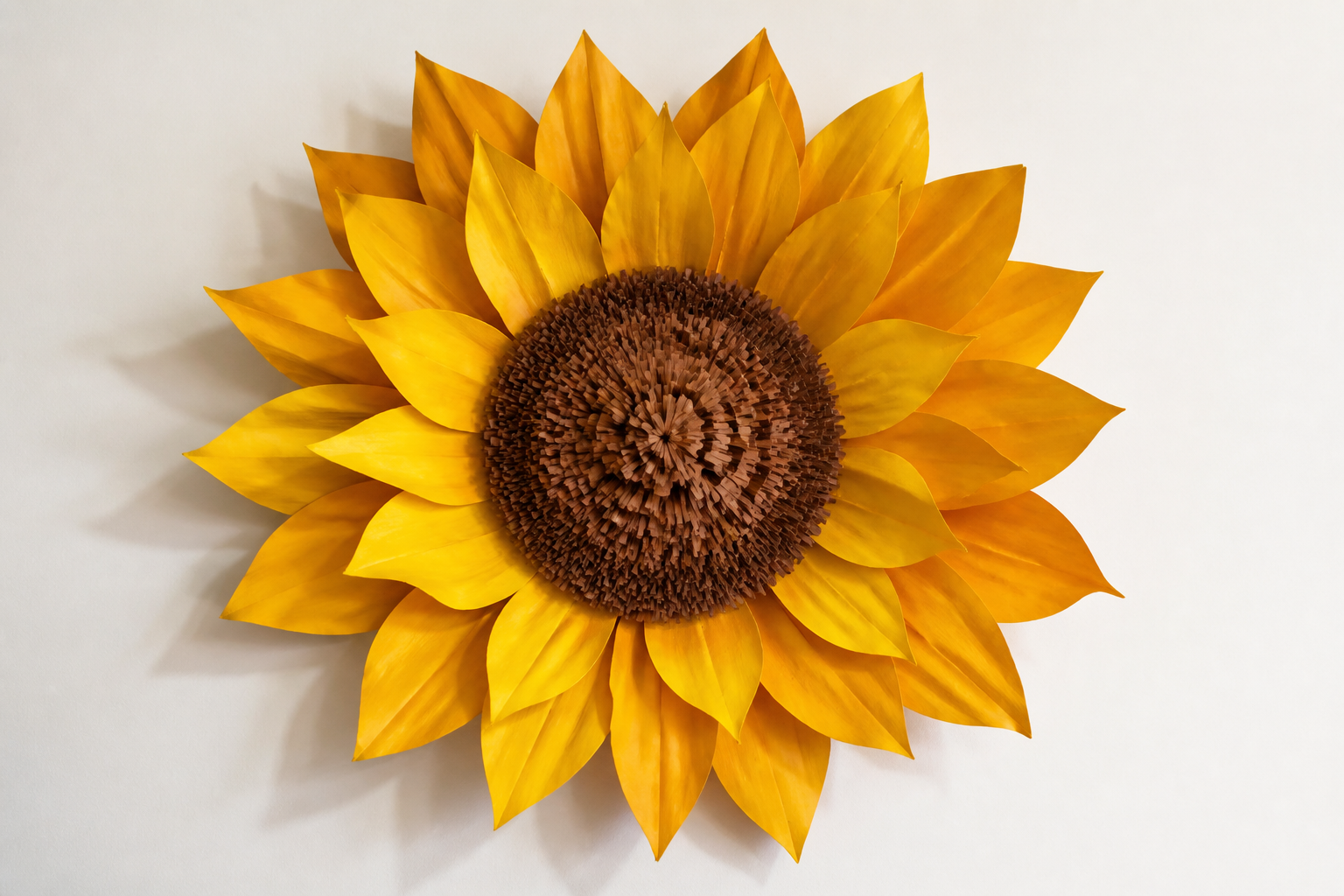
Giant Paper Sunflower
Make a large, realistic sunflower from layered cardstock using a DIY cutting machine — perfect for photo backdrops, mantle decor, or event centerpieces.
View Project Guide →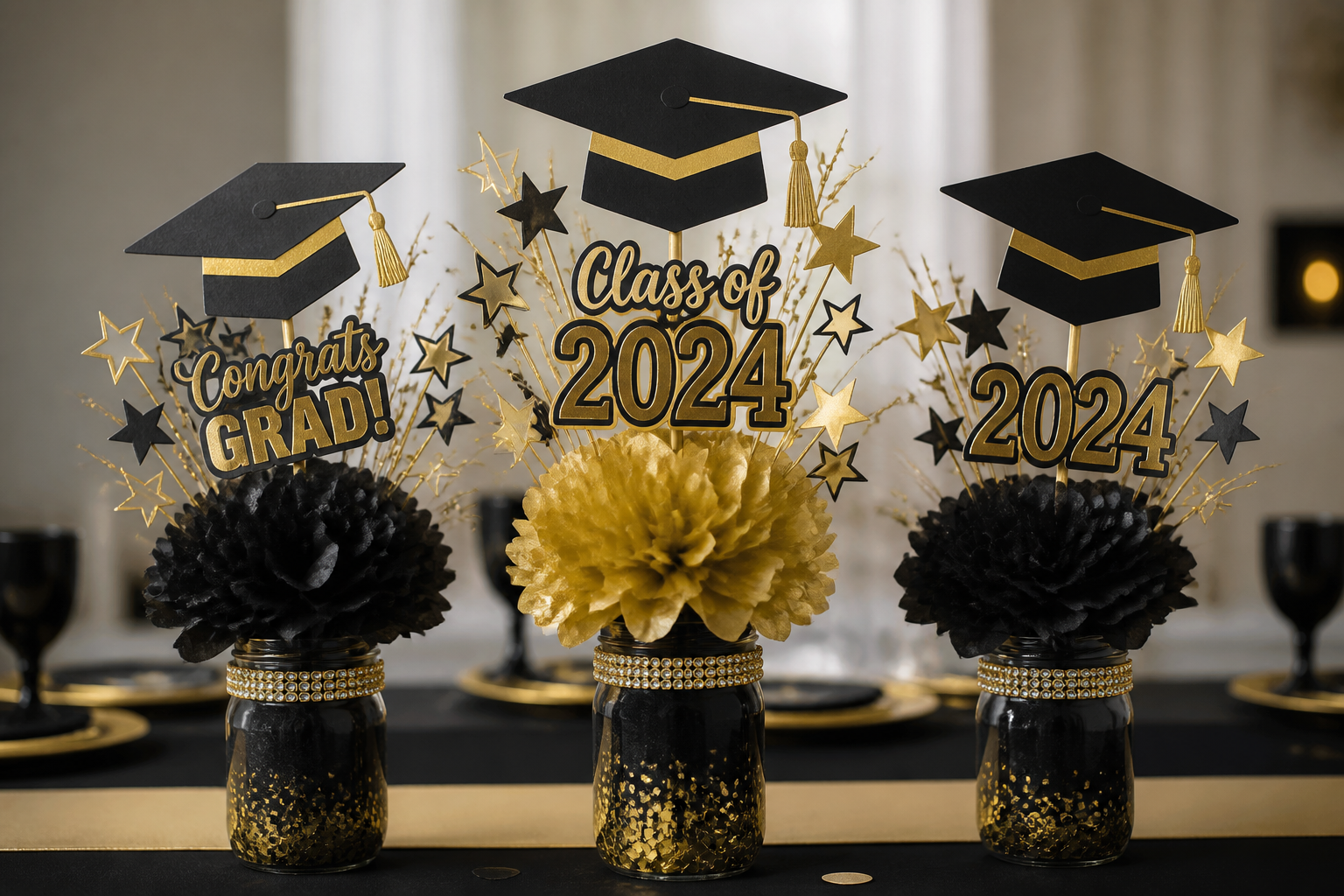 Project Guide
Graduation Centerpiece
Create a tiered paper graduation centerpiece with layered cap toppers, starburst picks, tassels, and tissue-paper accents using a desktop cutting machine and common craft supplies.
View Project Guide →A practical planning workflow
Move from inspiration to a considered project without skipping the basic checks.
Choose the direction
Select the audience, message, and project purpose before comparing visual details.
Match the blank
Check the usable surface, color, material, and shape against the selected design.
Preview the layout
Review scale, contrast, spacing, and orientation before preparing the final material.
Test and finish
Use the guidance for your own equipment and materials, then inspect the result before presentation or use.
Keep the first version manageable
- ✓Prefer a strong silhouette and comfortable spacing when the final project will be viewed from a distance.
- ✓Preview the design against the actual blank color before choosing material colors.
- ✓Make a small material test when the artwork includes fine lettering or delicate details.
- ✓Check the design page, format information, and current license before beginning a finished product.
Choose SVG Layers questions
How do I choose a design for choose svg layers?
Start with the audience and project purpose, then compare readability, complexity, surface shape, and the materials available to you.
Can I adapt the same design direction to another project?
Yes. Reconsider scale, contrast, layout, and material compatibility for the new blank instead of transferring the composition unchanged.
What should I check before making or selling a finished item?
Open the individual design page, confirm the available format, test your materials, and review the current Crafcut license and any requirements that apply to your product.
Keep exploring Crafcut
Ready to explore choose svg layers?
Open the Crafcut design library, compare relevant artwork, and review the individual design details before starting your project.